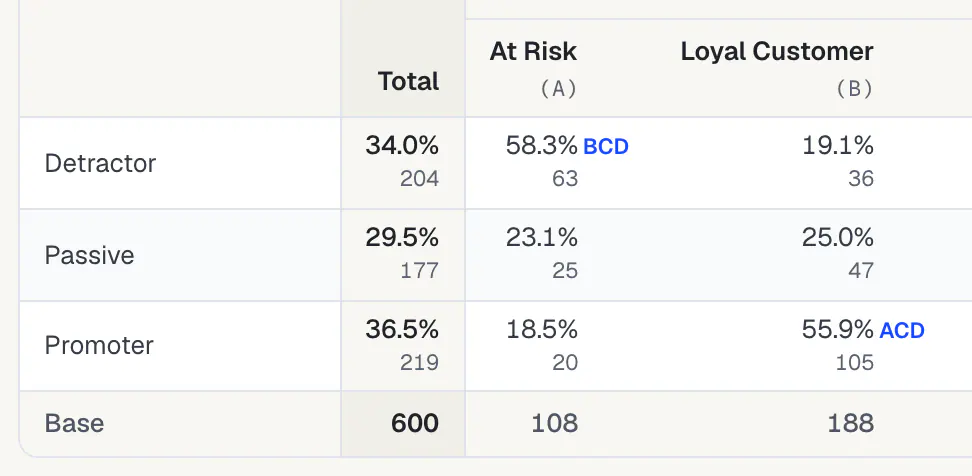
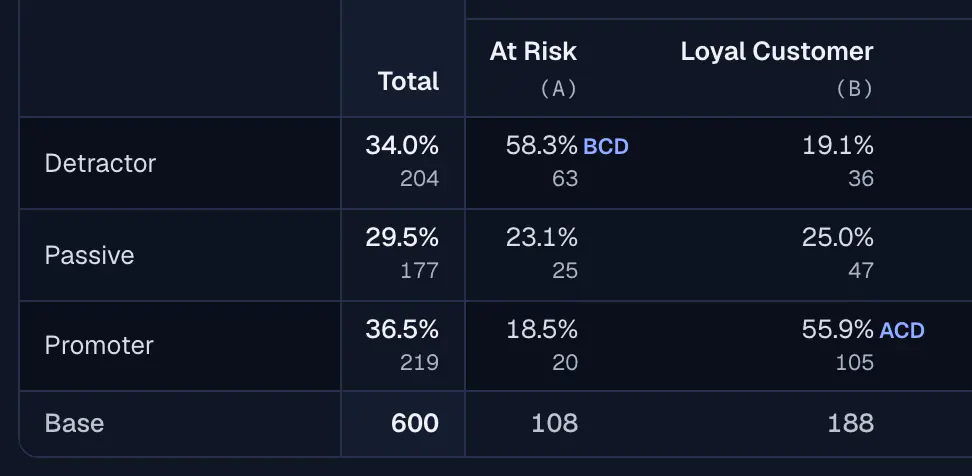
TABLES & TAB BOOKS
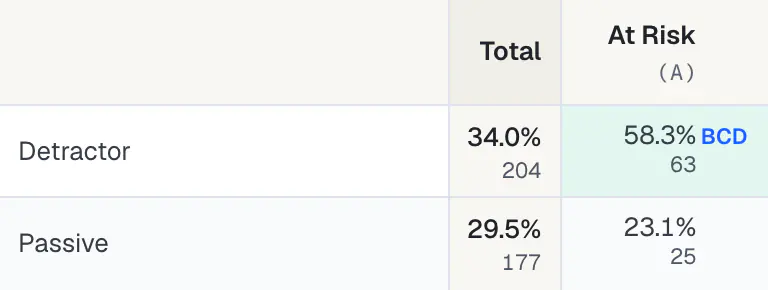
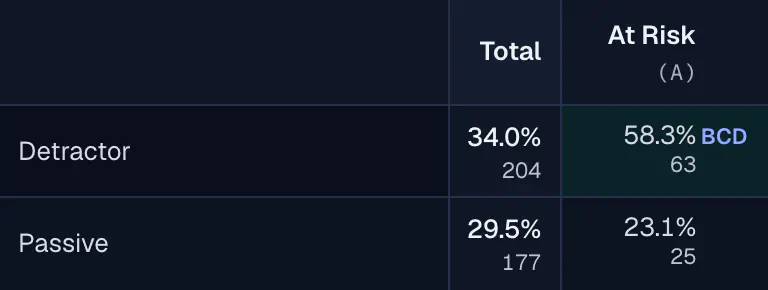
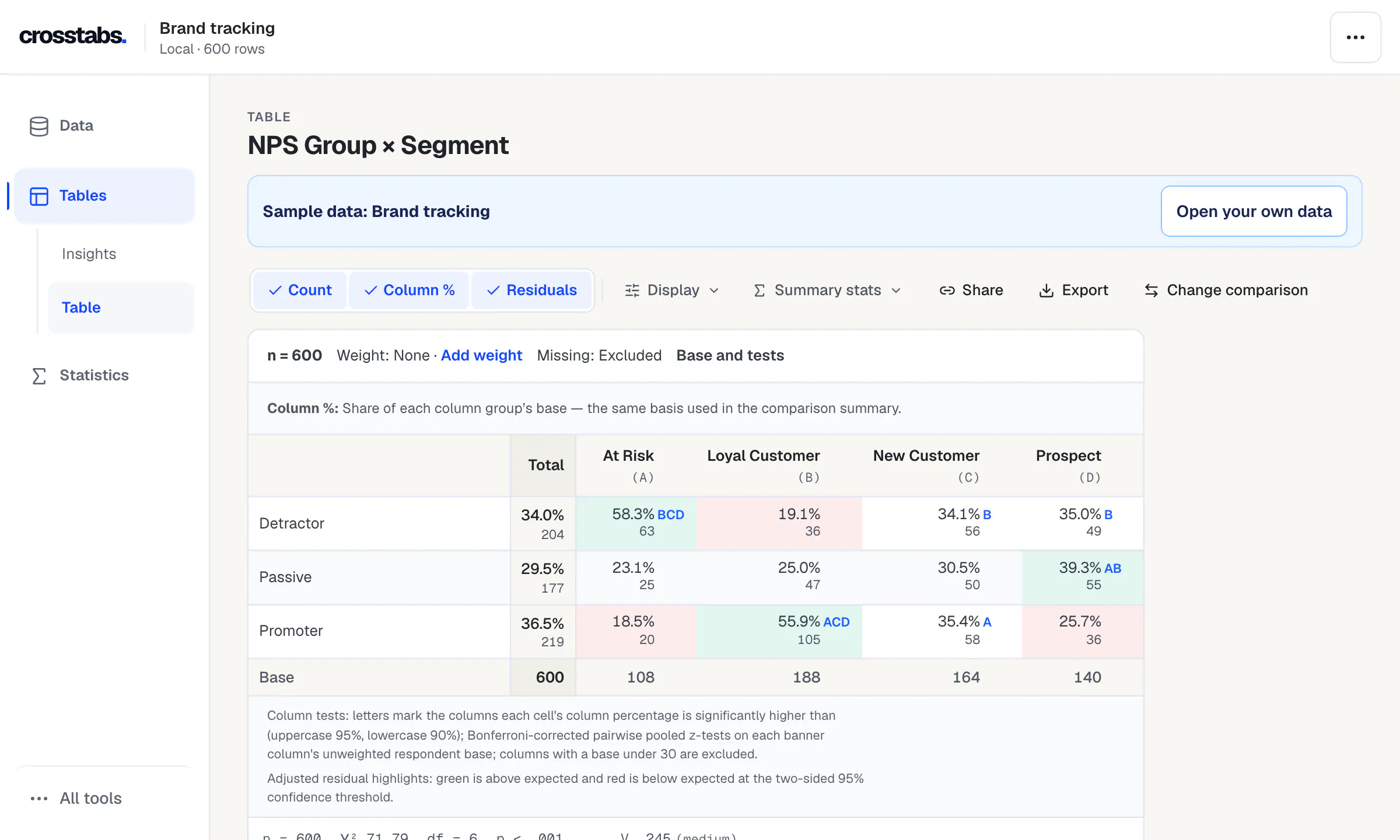
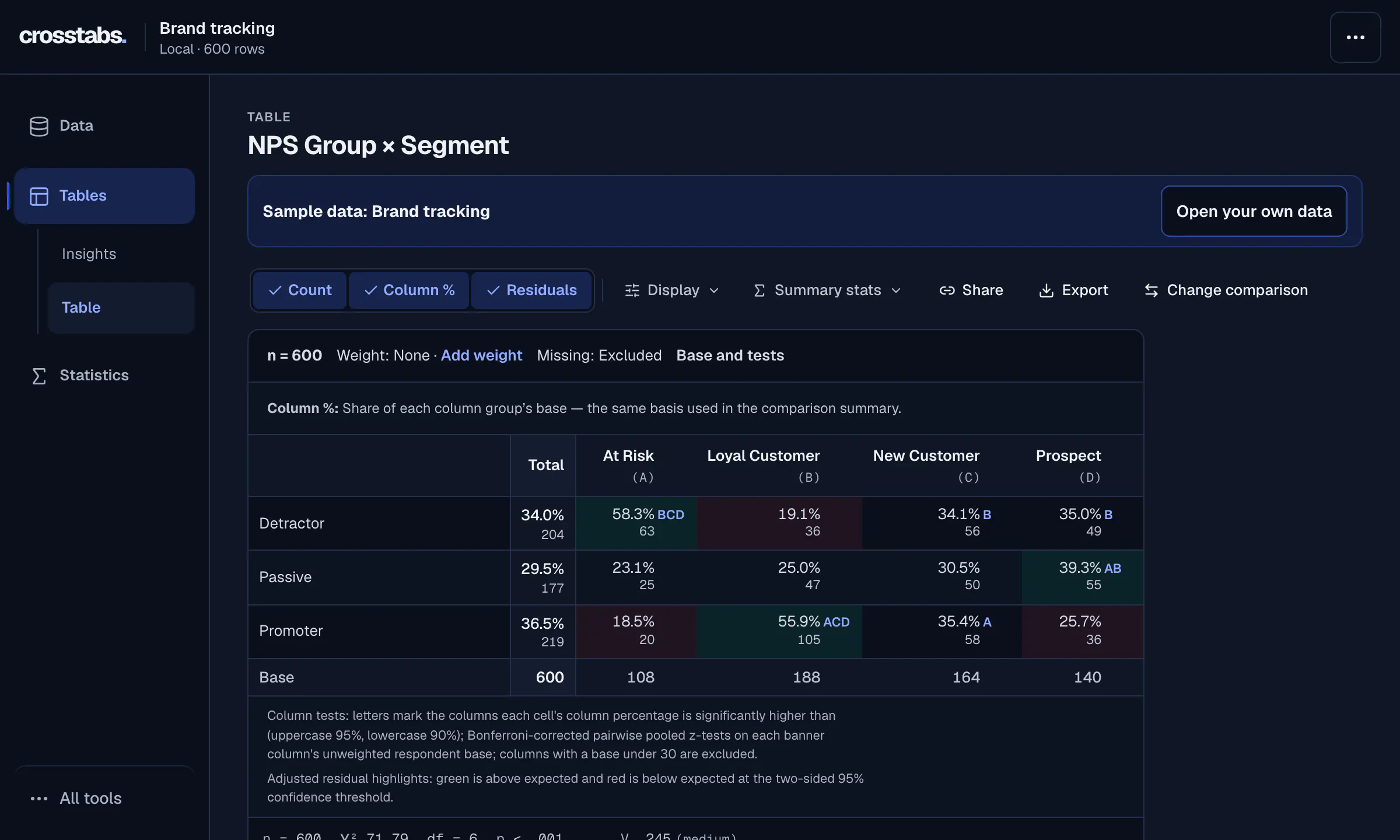
Tables with significance letters.
Build crosstabs and full tab books with bases, column percentages and letters that mark significant differences between columns.
Build a tab bookOpen SPSS files with their labels, plus Stata, SAS, R, Excel and 6 more formats. Run crosstabs with significance tests and 115 statistical procedures, then export editable PowerPoint, Word and Excel files.
Files are read on your device. No install, no account, free.
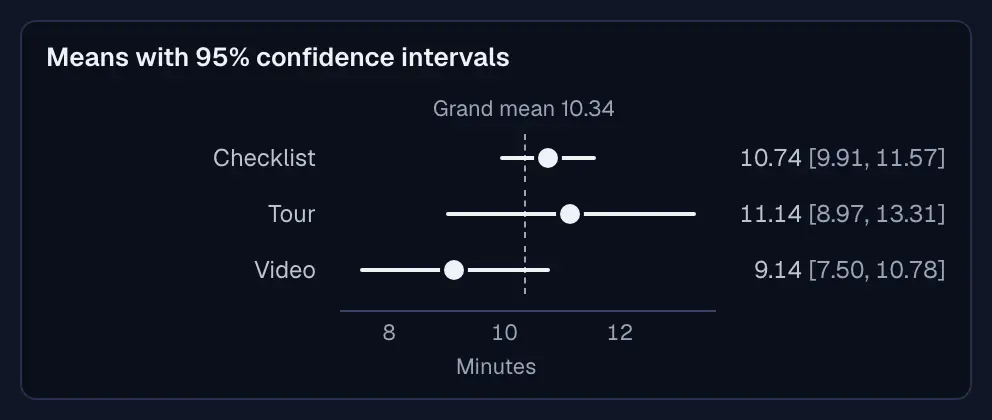
Computed when this page is built: the browser engine reruns every case in the public reference manifest. Tolerance 1.0 × 10⁻¹⁴ absolute or 1.0 × 10⁻¹⁰ relative.
Each of the 59 SPSS command families Crosstabs tracks has a browser equivalent.
Build crosstabs and full tab books with bases, column percentages and letters that mark significant differences between columns.
Build a tab book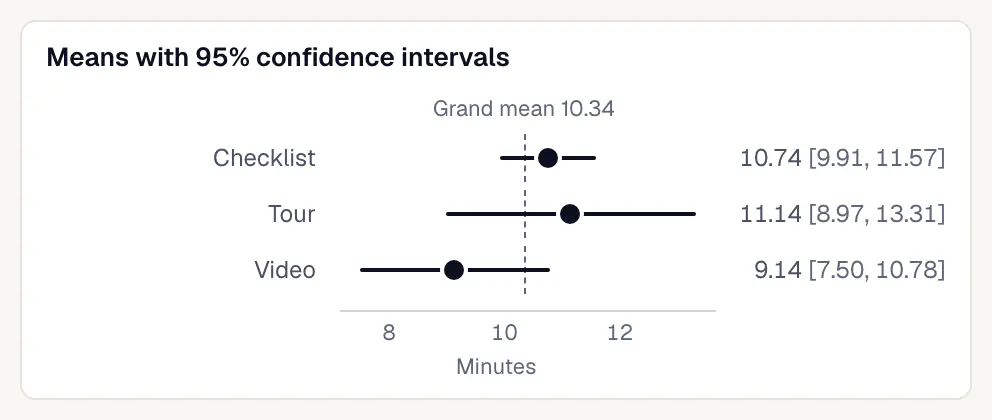
Run t-tests, ANOVA, regression, factor analysis and more; each procedure prints its tables with a plain-language summary.
Browse procedure guides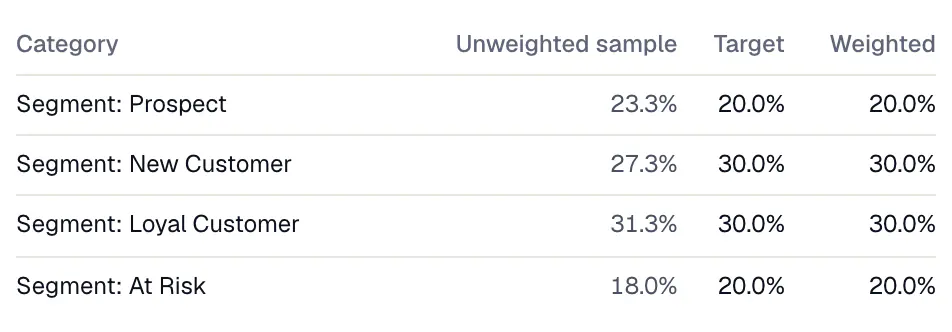
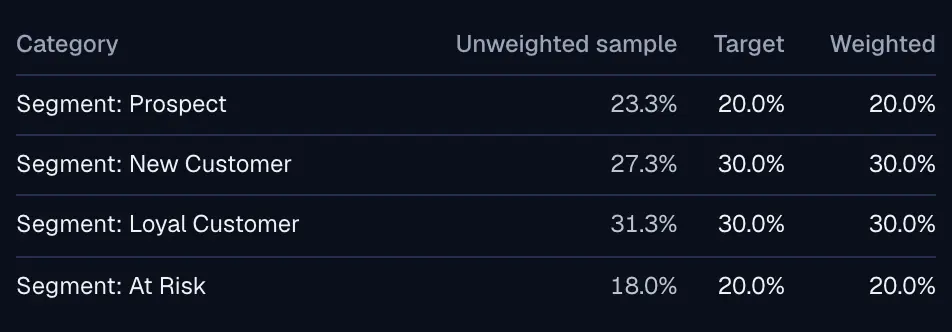
Rake to population targets, check the achieved balance and see the effective base before you report a weighted result.
Weighting guide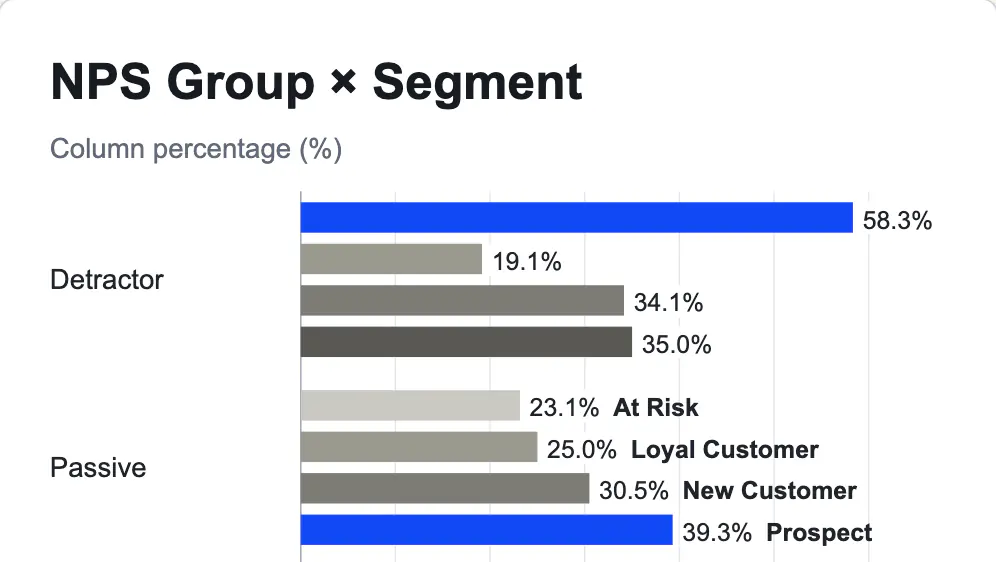
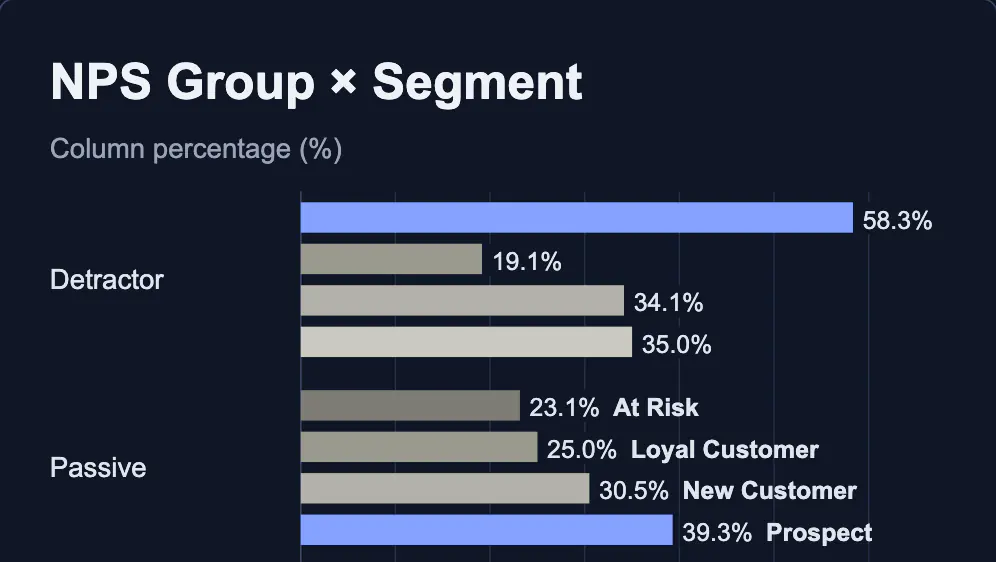
Turn the current table into a publication chart and export it as SVG, PNG, PDF or an editable PowerPoint slide.
Chart and export formats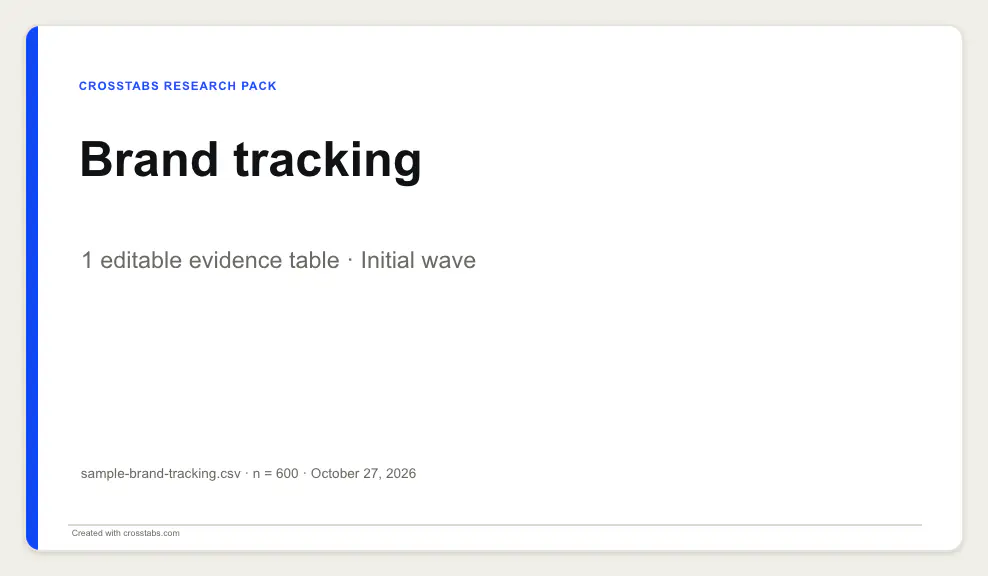
Export reports you can edit, then refresh the generated tables when the data changes while keeping your own edits.
Editable reports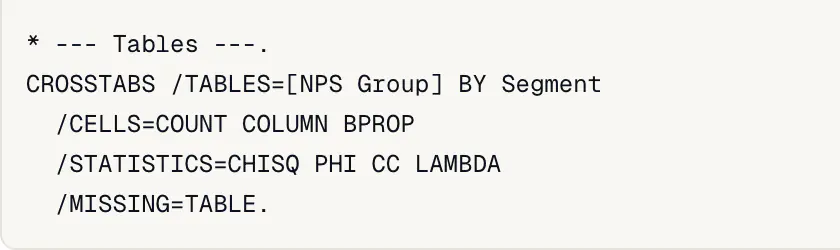
See the session as SPSS-style syntax, run .sps files for the supported commands, and replay the same steps on the next wave from the downloaded spec.
SPSS syntax, explainedSee the procedure-by-procedure list
Screenshots are captured from the workspace on synthetic sample data. SPSS is a trademark of IBM Corp. Crosstabs is not affiliated with or endorsed by IBM.
Every format below is read in your browser; nothing is uploaded. Labels, missing-value codes and dates are kept where the file stores them.
.sav.zsav.por.xlsx.xlsm.xls.xlsb.ods.fods.csv.tsv.txt.dta.sas7bdat.xpt.rds.rdata.rda.parquet.json.jsonl.ndjson.arrow.feather.ipc.sqlite.sqlite3.dbQualtrics questionnaire files add question wording to a response file opened with them. .qsf
Query your own warehouse straight from this browser tab with credentials you supply; rows travel from the provider to your device and never through Crosstabs.
Run the free crosstabs Python package on your computer to save a read-only query result as a file you open here.
The same package fetches responses with your own API credentials and writes a labelled file, keeping multi-select questions as sets.
Hand a database table, query result or survey pull from your computer to this tab without writing a file.
Clean the file, size the study, find the winning line-up and explain what drives satisfaction. Free tools that run in your browser — the figures below are their real output on a 600-row synthetic sample.
Cumulative reach, top-2-box purchase interest across 8 flavors. Blue: the best 3-flavor line-up.
Run TURF−14.5
95% interval −20.8 to −8.2 · n = 600
Calculate NPSShare of R² = 0.705 by Shapley value.
Rank drivers54 of 600 rows flagged · 546 kept.
Clean a file385
completes for ±5% at 95% confidence, before design effect and response rate.
Size a studyAlso free: penalty analysis, segmentation, label mapping.
Not another dashboard to learn. A question, a table, and a result you can explain.
How does NPS Group differ by Segment in the brand tracking sample? Compare promoter shares for Loyal Customer and Prospect, and show the counts and bases.
Loyal customers lead by 30.1 percentage points. 105 of 188 loyal customers are promoters, compared with 36 of 140 prospects. These are within-segment percentages, not NPS scores. The generated survey demonstrates analysis; it does not establish a real-world or causal finding.
Synthetic sample data, not a live AI response. Open the same 600-row survey below; the starting table is NPS Group by Segment.
Tab books, wave comparisons, weighting, and report prompts need a project in the local MCP. Available tools depend on your connection.
Each edition has its own homepage, crosstab and chi-square guides with examples written for that market, and opens the workspace in that language. Your data and its labels are never translated.
For most everyday analysis, yes. Crosstabs opens and saves SPSS .sav files, runs common SPSS syntax (.sps), and covers all 59 SPSS command families it tracks, from crosstabs, custom tables and weighting to t-tests, ANOVA, regression, factor analysis and survival, with 115 procedures in the workspace. No known gaps remain in the specific options it tracks. SPSS Statistics is sold as per-user licences and subscriptions; Crosstabs is free. See the procedure-by-procedure list.
Try the browser sample to explore a working survey, or open your CSV, Excel, or SPSS file. New to cross-tabulation? Start with the crosstab guide and worked examples.
No Crosstabs account is needed. The browser works without an AI client. For MCP, your chosen client may require a particular plan or version. Free Crosstabs access is subject to capacity limits.
No. The browser workspace reads and analyses files on your device, and the local MCP runs on your machine. Anything you share with an AI client is subject to its policies. Read the privacy policy for details.
Yes, for compatible Crosstabs PPTX and DOCX files. Refresh replaces selected generated content while preserving edits outside it and supported equal-shape table formatting. It does not preserve manual changes to generated values being refreshed. See refresh requirements and exceptions.
Review the base, missingness, weight meaning, assumptions, and diagnostics alongside the result. Statistical significance does not establish causation. Explore statistical methods and validation evidence and limitations.
No. MCP offers its own tool catalog and project workflows. Manual coding and the outcome studio are browser-only. Check the connection guide for your route, or visit support for help choosing.
Explore the sample survey or open your own file. Free, with no account.
Your files stay on your device. The workspace reads and analyses files inside your browser tab, so Crosstabs servers never receive your rows. The local MCP keeps files on your machine too.
How Crosstabs handles data
